If you think AI will solve all your inventory problems, and it’s all sunshine and rainbows, I hate to break it to you, but you’re mistaken, mate. Companies are losing money in AI now more than ever. Simply because everyone rushes to have their share of the pie and jumps into the AI race without knowing the prerequisites or challenges that come with it.
This is the article where you’ll see how AI can help in inventory management, what you need to be careful of and a few tips to ensure it works out for you so you don’t end up losing money and time over it.
4 use cases of AI inventory management
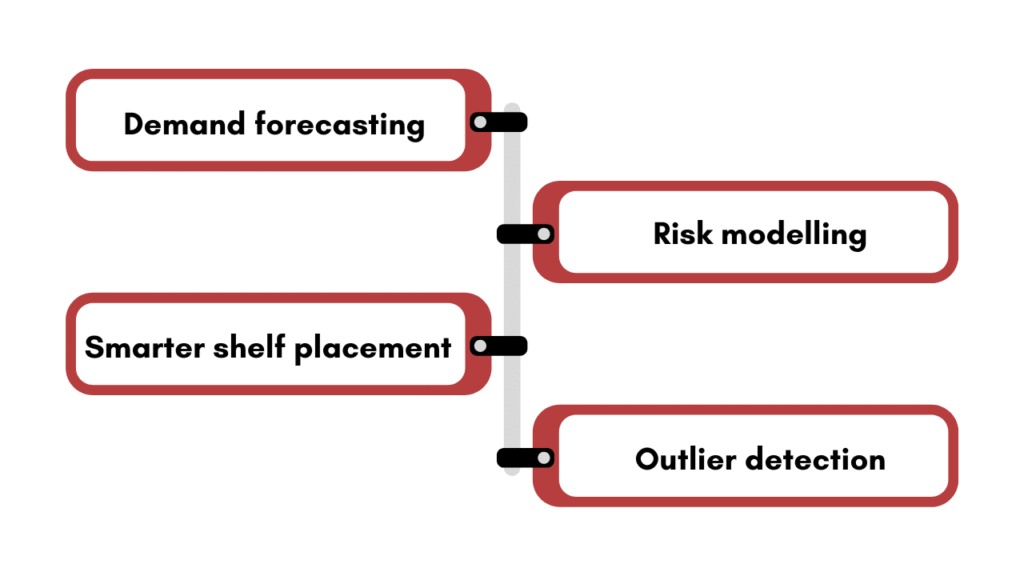
Demand forecasting
AI-driven forecasting pulls in as many internal and external signals as it can to generate a comprehensive picture of the market, your customers and your business situation to predict demand.
This is where machine learning comes into the picture. It can handle large amounts of data, and the more you use it, the more it learns and gets better. However, keep in mind that the results will only be as good as the data. If your data is incomplete, inadequate or unstructured, it will surely impact the accuracy.
Although AI works very well in forecasting, it can give inaccurate results if done wrong. I have discussed in detail the problem and consequences of wrongly done AI demand planning in a separate article. You can have a look at it here: Do you really need AI demand planning?
Risk modelling
One of the best use cases of AI in inventory management is modelling different scenarios. What if demand drops 20%? What if your supplier runs three weeks late? What if a certain product goes viral?
Instead of a person doing that math manually in a spreadsheet at 9 PM, the system models it in seconds with the help of the data you have given it. This helps you see different scenarios and their consequences in action so you can plan better and minimise risk as much as possible.
Smarter shelf placement and storage optimisation
Warehouse organisation is a big task. Deciding what goes where and how to efficiently store everything is challenging. And this challenge gets bigger as the size of your warehouse increases.
AI can help you with the floor plan and smart storage solutions so you can make the most out of the space you have. It analyses multiple factors, including pick frequency, order patterns, and product velocity, and recommends where each SKU should be physically located.
Outlier detection
Even a mid-size warehouse is large enough for humans to make mistakes. However, AI can catch anomalies fast. It can flag outliers as soon as it sees one. This allows you to mitigate the problem right away before it becomes a problem.
It’s beneficial in keeping a check on irregularities, data errors, human errors, and fraudulent activity.
3 reasons your AI inventory management can fail
Why do you need to know this?
Because AI is all hyped up, and everyone is selling a hundred different use cases of AI in every business domain you can think of. However, not everything works out as well as it sounds in theory, and that’s how you lose resources. You can dodge the risk and build a stable foundation if you know where to be careful.
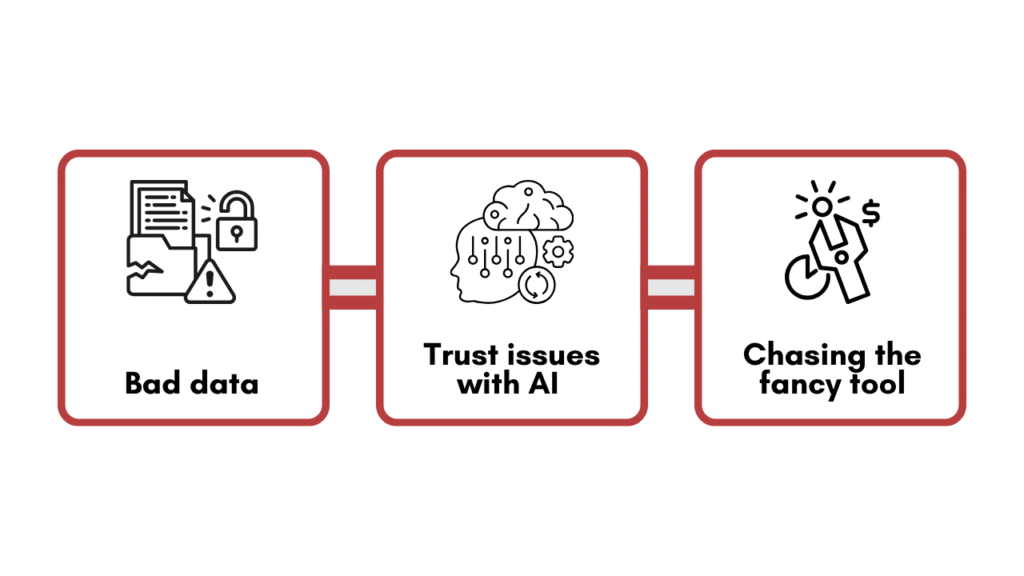
1. Bad data
I’ve seen more AI implementations fail because of this one particular reason than because of any technical limitation.
You might think 80% of data accuracy is good. But that means 1 in every 5 records is wrong. AI will learn your mistakes. It will encode them and scale them.
So before you move towards tools, run a basic data audit, clean your data and get your accuracy to at leat 90% to 95%.
2. Trust issues with AI
Imagine your AI system flags an $80,000 purchase order for approval. The confidence score says 94%. Nobody on your team knows why it’s recommending that quantity, from that supplier, at that time.
Do you approve it?…………………..I hope you said no.
Most people will reject such a suggestion and ask their team to handle it, which defeats the purpose of having this fancy AI tool. If it throws random results at you without any background or explanation, no one will trust it.
If AI is making significant purchasing decisions, it needs to show its work. It needs to reason its results. And even after that, you can’t blindly do what it tells you. You need a human in the loop to oversee everything. Yes, AI will significantly reduce the time and energy spent on manually analysing the data, but you can’t let it be on its own. Human intervention is a must, especially in financial decisions.
3. Chasing the fancy tool or low-balling it
There are countless options in the market, from very basic setups to large, complex neural networks.
If you use a basic model for a multi-region business with multiple warehouses and thousands of SKUs, your model will terribly fail. And if you use a large fancy ool for a small company with a focused catalogue, you’re adding a liability. So choose carefully for your specific needs and requirements.
Tips to implement AI in inventory management
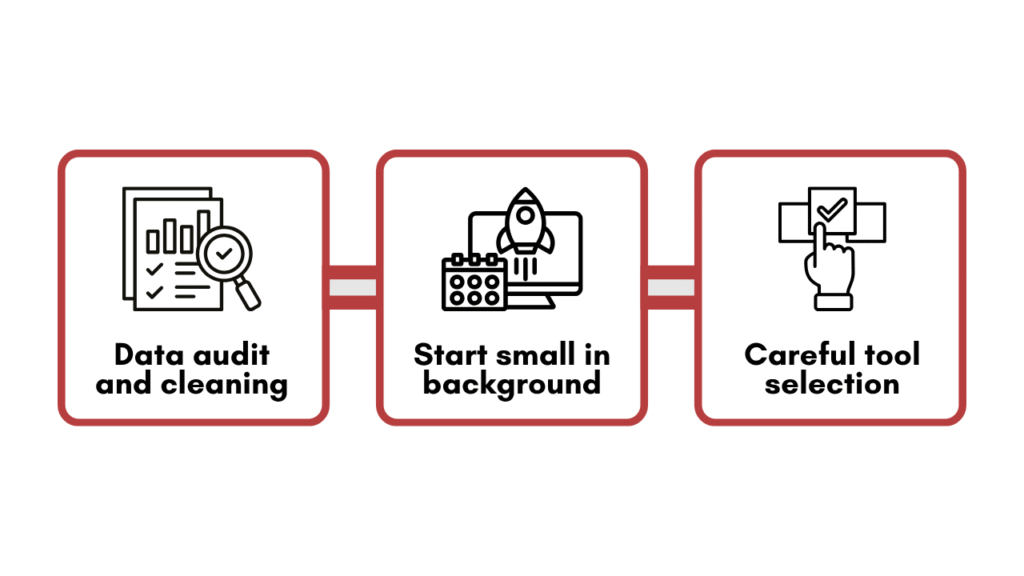
Data audit and cleaning
We’ve already gone over why you need clean data. Here’s a short description of what to look for in the audit.
- Standardisation: Are your SKUs consistently named and formatted across every system?
- Completeness: Do you have at least 18 to 24 months of clean sales history? You need an ample amount of data for AI to work accurately.
- Accuracy: Pull a sample of 100 transactions and manually verify them against physical records or supplier invoices. If more than 10 are wrong in any way, your data quality needs work.
Start small and run it in the background
I’ve watched companies try to go from manual purchasing to fully automated ordering in one step. It never works cleanly.
Start with something small like predictive reorder alerts. The AI flags when something is likely to hit the reorder point within the next 7 to 14 days based on current velocity and lead time, and a human reviews and approves the order.
Here’s another example. Before you let any AI system touch a live purchase order, run it in shadow mode for 30 days. The system generates its recommendations in the background (what it would have ordered, in what quantity, from which supplier, on which date). Your team continues purchasing the way they normally do. At the end of 30 days, you compare.
It’s important for three reasons.
- It gives your team time to build trust in the system’s recommendations before those recommendations execute automatically.
- It surfaces edge cases. The products where the model is consistently off, and why.
- It creates a feedback loop. Every time a buyer overrides a recommendation, that’s a signal. You’ll start to see patterns in where the model needs adjustment.
You can test accuracy and build trust. Once your AI’s accuracy is above your required parameter, you can proceed to build on it.
Tool selection beyond the big names
SAP and Oracle will happily sell you AI inventory modules. They will also charge you accordingly and require implementation timelines measured in quarters, not weeks.
For mid-market businesses, there’s a tier of tools that deliver real, functional AI without the enterprise price tag or the 18-month onboarding process.
Lastly, get your foundation right
The rule of thumb is simple: Do not hand everything to an algorithm. Your purpose is to make your people and their work faster with AI, and hence, humans will always be in the loop, especially in sensitive matters of purchasing and ordering.
If you’re evaluating whether your inventory operations are ready for AI, then sit with your team and discuss how it can help accelerate or improve the process, rather than starting with tools.





![How to use AI in spend analytics? [5 use cases]](https://feriotti.com/wp-content/uploads/2026/04/1-3.png)