
Here’s something I’ve noticed after observing dozens of SMEs: the moment a company starts struggling with customer service, the first thing they do is shop for a new CRM. A new interface to repeat the same workflow on a more expensive tool.
Allow me to address the elephant in the room and humble you real quick. What if the problem wasn’t the tool all along, but your processes and operations were the culprit? The latter is the case I see most often.
So this article will help you figure out if your CRM and your processes are the problem and how you can fix them. We will go through 7 steps to see how to set up and use your CRM for customer service.
Customer service is your biggest customer data source
I want to discuss two mindset shifts here. First, treat your customer service as a data source. It gives you the most detailed information about your customers, and it’s in your CRM. When you start seeing it as data, only then can you use it wisely.
The second shift is to treat your CRM and its data as company-wide information instead of limiting it only to one or two departments. Your customer data can give detailed insights to almost every department of the company in particular situations.
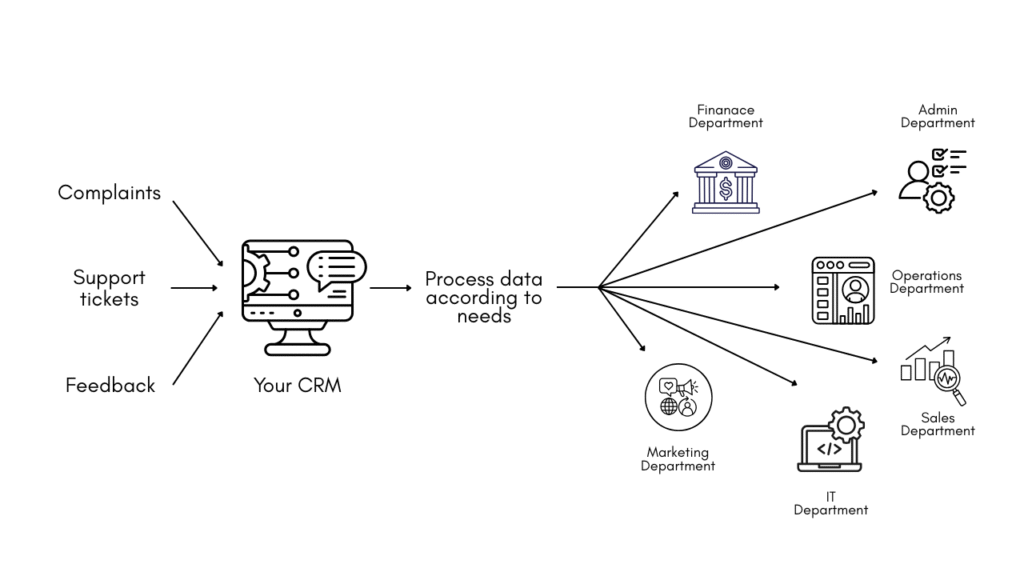
For example, your product team doesn’t know why customers shift to your competitor after using your product. The answer might be sitting in the CRM in complaints, feedback and support tickets. But since they don’t have access to this data, they’re working hard to figure it out on their own and fix what isn’t even confirmed as a problem.
Your CRM is a mess
Let me quickly draw a picture of how most CRMs are used (the wrong way). Be cautious if any of this applies to you, because if you try to optimise customer service on such a CRM, don’t be surprised if it fails.
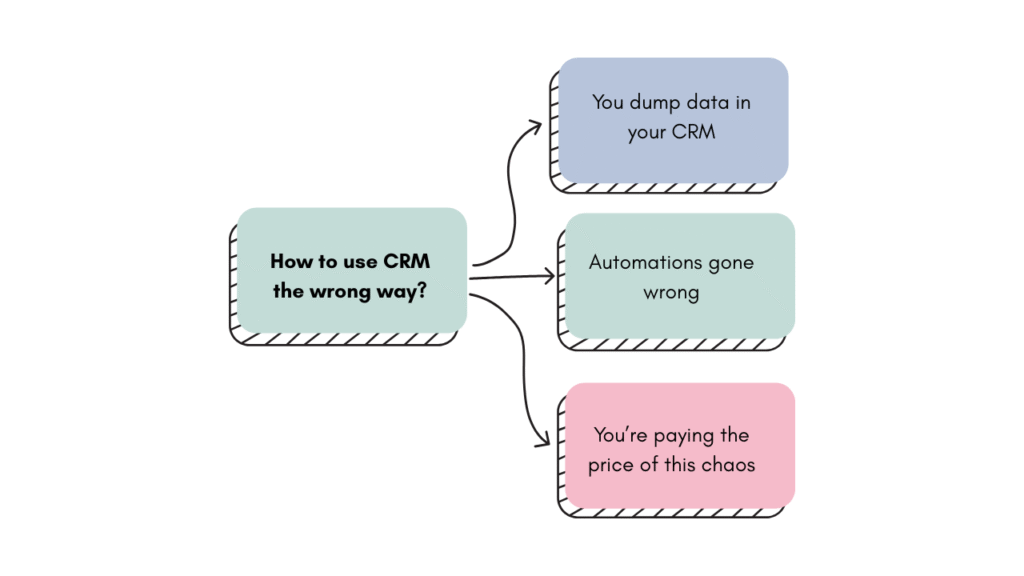
You dump data in your CRM
Open your CRM right now and search for one of your top customers. I’ll wait.
How many duplicate records came up? Two? Five?
Now observe the variation in them. This is what I call data dumping, and it happens because no one set the rules for how data should enter the system in the first place. Every agent does it slightly differently, and your CRM gets cluttered with inconsistent and duplicated records.
Automations gone wrong
Who’s to be blamed if a frustrated customer, in the middle of a complaint, gets a cheerful automated email asking for feedback? You can’t blame the automation; it did what you asked it to do.
The problem is connectivity. Your automation has no way to know if it should opt out a customer. You didn’t build that in the logic, and certainly, the data isn’t fully connected.
You’re paying the price of this chaos
Improper connectivity and unorganised data mean your employees have to do some stuff manually or process the mess before responding. That’s how you lose in efficiency, retention and trust and end up with slow responses and poor customer support despite having all the software.
How to set up your CRM for customer service
This is the least glamorous part of the whole process with no dashboards, automations or AI, but it’s the foundation of everything, so you need to do it right. Once the CRM is set up, we can then build upon it.
Normalising the data and cleaning the CRM
Normalisation means every piece of data in your CRM should follow the same format. It’s a broad topic that I’ve already discussed with practical steps in my guide on CRM data cleaning; you can find the practicalities there in detail.
One thing I would like to add here is having a UUID for every customer. Let me explain.
Your customers interact with your business through multiple channels. A good practice in using CRM for customer service is to have all these interactions linked to the same person as a complete record of their interactions. And it’s a built-in feature in most CRMs called UUID (Universally Unique Identifier). It’s like a permanent ID card for the customer, and every interaction they have gets filed under that one ID.
Although it’s a standard feature, you have to configure it intentionally. Map your touchpoints and connect your channels.
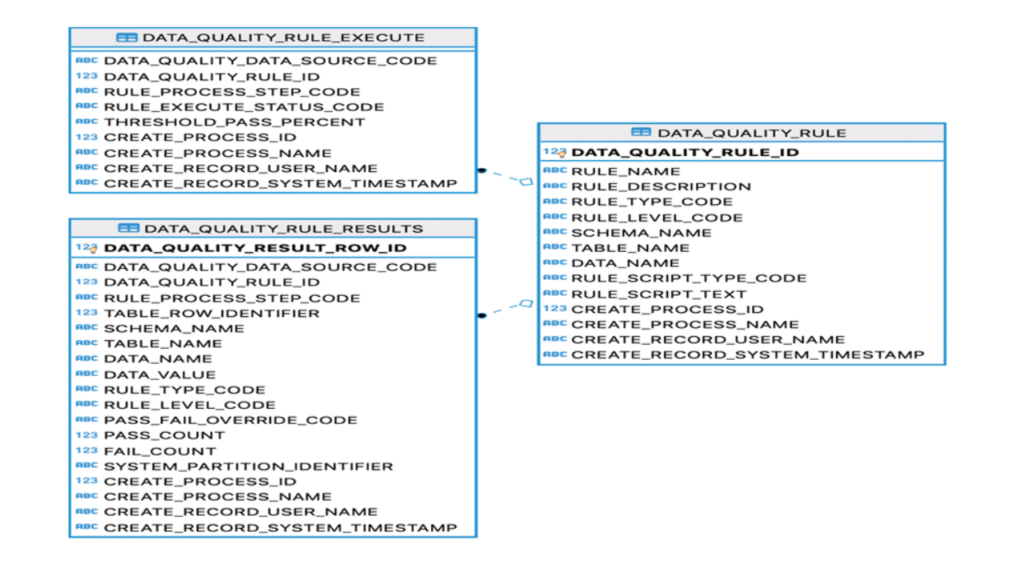
Integrating CRM with related systems to sync everything
Let’s talka bout the second issue we discussed: disconnected systems that lead to incomplete data.
If you have any relevant data in any other system that will contribute to forming a full picture in CRM for your customer service agents, you need to ensure the required data is flowing between the systems.
You can do this by integrating your two systems so everything becomes cohesive and your agents don’t have to pull in another database to look at the complete picture. Here are a few ways to integrate systems.
- If your two systems are compatible, integrating would just take a few clicks.
- If not, you can use APIs. These are structured channels that let two pieces of software pass information to each other automatically. Simply put, it’s a bunch of code that works as a communicator.
- An easy option is webhooks. A webhook is simply an instruction that says, when this event happens in system A, automatically send this information to system B. It’s good for auto-transferring specific data.
Identify the five or six data points from your other system that would most change how your support team responds. Then build the connection that brings those points into your CRM automatically.
Also read: Non-technical guide on system integration methods for SMEs
How to use your CRM for customer service
Let’s get into the fun part of using our freshly organised CRM for customer service.
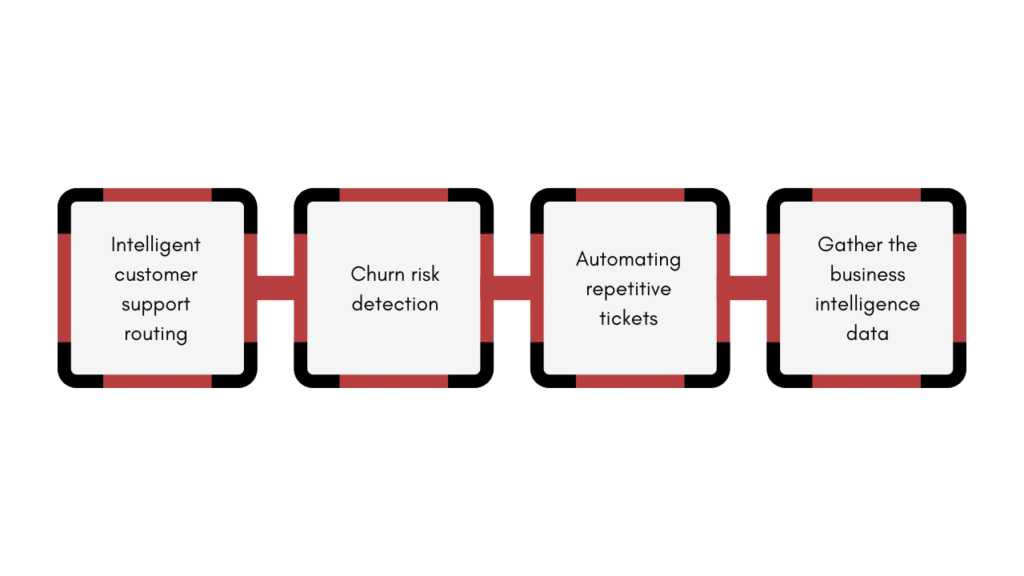
Intelligent customer support routing
Ticket routing usually works like a queue. Whoever complains first gets served first. However, not every complaint is the same. Some are urgent, some are from your loyal customers, while others aren’t time sensitive. If you treat every ticket the same, you might be unfair to your business by making the most important tickets wait or head to whoever is free.
You can use CRM to intelligently route your customer support tickets. Build logic based on what you already know about your customers. For example, a ticket from a high-value account gets flagged and prioritised automatically. A customer tagged with a churn risk flag means your system has detected warning signals like declining usage or repeated complaints, and they get routed to your most experienced agent, while a renewal coming up in two weeks gets in the queue.
The best part, it’s all simple logic based on what you already know about your customers and how you want to prioritise and route them.
Learn more about setting up workflow automations through 6 quick and practical AI workflow automation examples. This article will give you a generalised idea of how workflows and automations work.
Churn risk detection
Your CRM can watch for warning signals like declining login frequency and repeated tickets in a short window to detect customers who are at risk of leaving.
You define the metrics, and the system will follow them. Let’s say you defined 5 parameters and set up the workflow to flag the customer when 3 or more parameters overlap. Your CRM will now be telling your agents which customers need their utmost attention. You can take it further by routing the customers at high churn risk to senior agents.
Automating repetitive tickets
There are multiple queries that you can resolve without any human intervention. For instance, password resets, order status updates, refund policy questions, follow-ups and FAQs. These tickets have one thing in common: the answer is always the same, and so you can automate them either through simple workflows or through AI.
Build an automation that detects the issue type from the ticket tag, checks that the account has no active churn risk flag, and auto-sends the correct response. Track deflection rates monthly.
Gather the business intelligence data
At this point, we have clean, trustworthy data, a connected system that shows the full picture to your agents, a prioritised routing system and automations. This is a well-designed CRM for customer support that lets you efficiently manage your customer complaints. However, once the complaints are resolved, we want to capture the business intelligence these tickets hold, and for that, I have a quick and simple step.
Identify three to four data points that your product team needs to make decisions, and make them mandatory before an agent can close a ticket. Here’s an example.
- What was the issue category?
- What part of the product was involved?
- Was this a first-time report or a recurring complaint?
Now again, to ensure clean data, set up picklists so the data remains consistent. At the end of the month, you can fetch a report and send it to the product department to let them know the most common problems customers are facing with the products.
Monitoring your system and its setup
And when you’re finally done setting up your CRM for customer service, you need to ensure its maintenance because CRM data decays. People change jobs, email addresses change, companies get acquired, customers upgrade or downgrade, or go silent.
If you build a clean system in January and don’t touch it again, by June it’ll be drifting back toward the messy CRM you started with.
Arrange a bi-monthly CRM audit. Just basic data and automation checks will help you keep it maintained. I’ve discussed the practical maintenance steps in my CRM data cleaning guide that I linked above. You can learn more about how to automate this maintenance process.
Final thoughts
Now you know how to use CRM for customer service the right way. If you had implemented workflows and automation on your old, messy CRM, you would have only added to the mess. The optimisation and efficiency you were looking for would be nowhere to be seen. But with a clean foundation, you can actually see the results, efficiency and automations you have read in the articles.







![How to use AI in spend analytics? [5 use cases]](https://feriotti.com/wp-content/uploads/2026/04/1-3.png)